Maze for children
Play a Maze Online
Solve a geometric maze online with keyboard, touch, or pointer controls, then use hints or undo when you need another look at the route.
- Seven real difficulty levels
- Calm, untimed practice
- Keyboard, mouse & touch
Learn by looking
Solve a maze in four steps
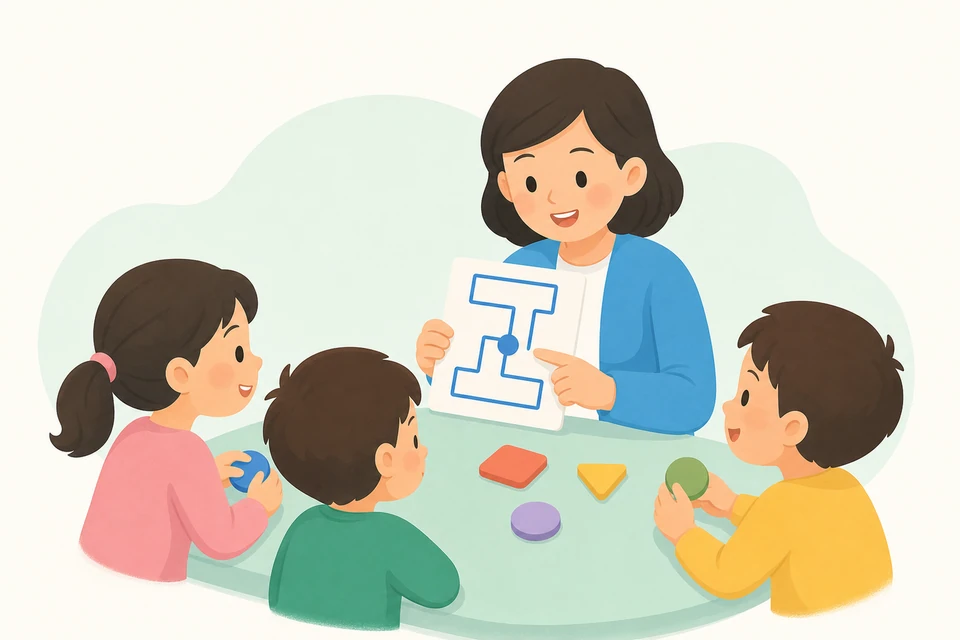
Use the small real maze to see how a route grows from the round start to the square goal.
Find start and goal
Locate the round start and square goal before moving.
Scan the openings
Look at nearby walls and find a passage that stays open.
Trace one connected route
Move one neighboring cell at a time without crossing a wall.
Check the goal
Confirm that the route stays inside the passages and reaches the square.
Four clear rules
Stay inside the maze
Every move follows the same visible rules, so children can explain what works and safely revise a choice.
Use open passages
A route can pass only where two neighboring cells share an opening.
Move one cell at a time
Each step goes up, down, left, or right—never diagonally.
Backtrack when needed
If a branch stops, return along the same path and try another opening.
Reach one exact goal
Each generated maze has one connected solution between its two markers.
Choose a useful challenge
Grow from short routes to careful planning
Try these difficulty levels in the online activity—choose the same level in settings once you open play.
Gentle start
5×5 beginnerFirst maze practice
Short routes, wide visual spacing, and only a few useful choices.
Steady explorer
6×6 easyFor children ready for branches
Longer routes introduce a few dead ends and more turn planning.
Careful planner
10×10 hardFor sustained visual planning
Dense passages reward scanning ahead and revising a route calmly.
Take it to paper
Print maze worksheets for practice
Prepare printable maze pages for home, classroom centers, or independent pencil practice.
- A4 and US Letter
- Color, low-ink, and line-art styles
- Optional answer pages
- One, two, or four mazes per page when the difficulty allows
What children practice
Visual scanning
Following open passages builds careful left-to-right and top-to-bottom visual search.
Planning and revision
Branches invite a plan, while undo and backtracking make revision a normal part of solving.
Controlled movement
Wide early mazes support accurate touch, mouse, or pencil movement without a speed score.
Ways to use maze practice
Ready to start?
Start with one calm route
Open a real maze, choose a comfortable difficulty, and revise the path whenever you need.
Maze questions
What age is maze practice for?
Is this maze timed?
What changes when I choose a harder maze?
What does a hint reveal?
Can I use the same maze on paper?
Continue logic practice
Explore more real visual and logic puzzles from the current puzzle collection.
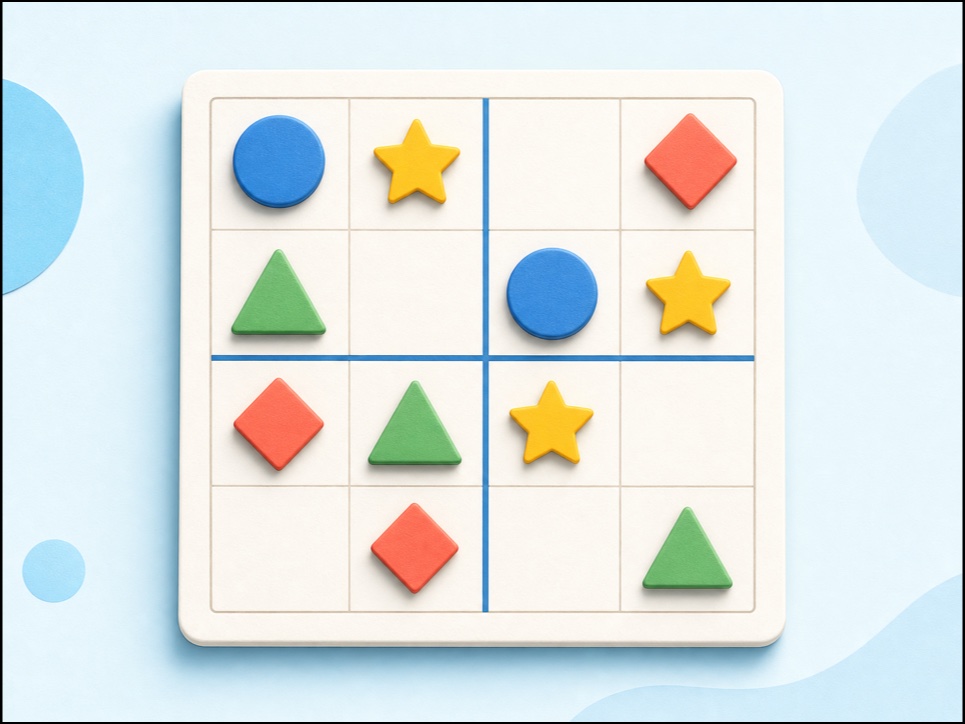 Picture SudokuPlay child-friendly 3×3 and 4×4 picture sudoku with shapes, keyboard and touch controls, hints, undo, and no sign-up.Open
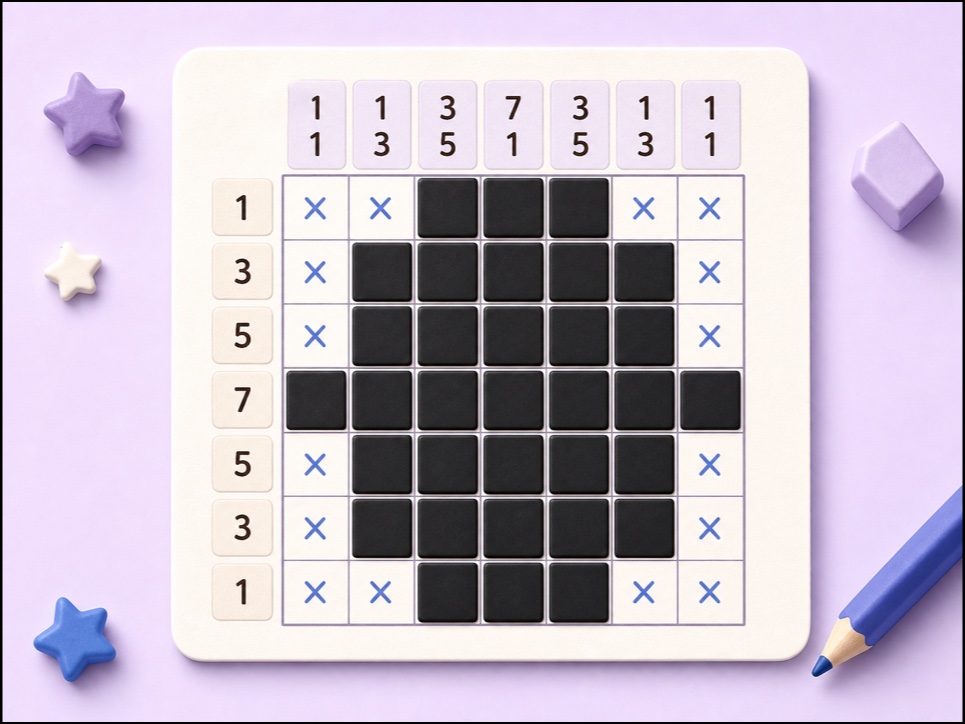 Mini NonogramPlay a 5×5 Nonogram online using row and column clues to reveal a hidden picture.Open
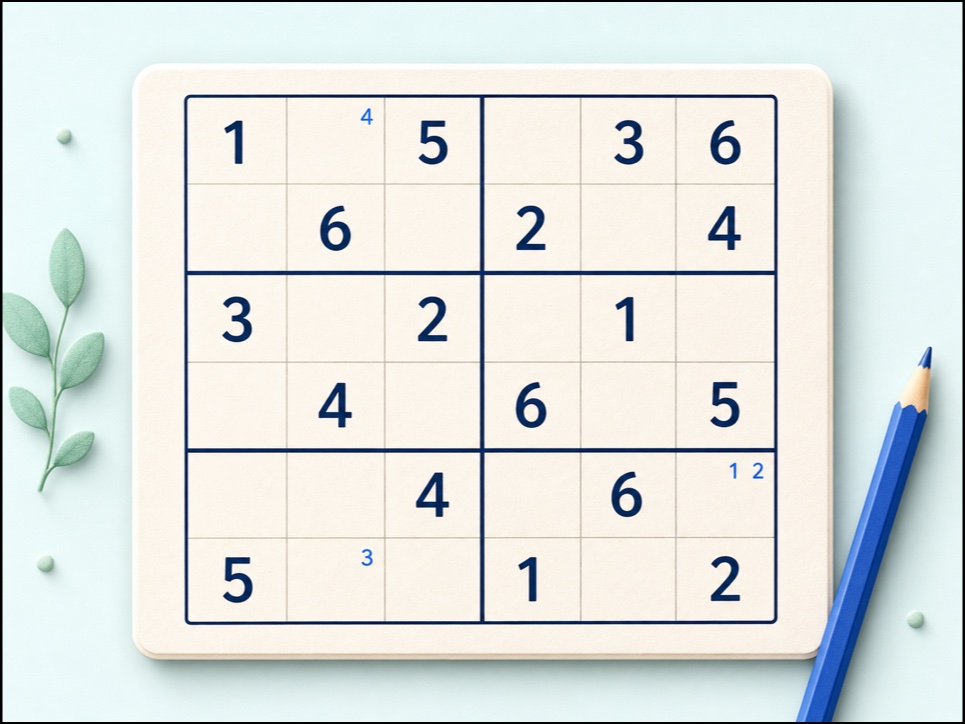 Classic 6x6 SudokuSolve child-friendly 6x6 Sudoku with digits 1-6, 2x3 boxes, notes, keyboard controls, checking, hints, undo, and redo.Open