A good fit when
- Digits 1–10 are becoming recognizable
- Number shapes still need guided pencil practice
- A short, familiar range is easier to manage
- The learner is not yet ready for teen numbers
Start with numbers 1–10, then adjust the range, repetition, writing size, rows, guides, and practice mode before printing.
Use it for learners who recognize at least some digits and need a focused introduction to writing the symbols from 1 through 10.
Keep the task about digit symbols and handwriting. The default 1–10 preset does not include quantity pictures or counting objects.
Point to the digits in order and name the current number before the pencil starts moving.
Follow the light number form and use the middle guide line to compare height and curve placement.
Switch to trace-and-write or narrow the range before asking the learner to copy several digits without a model.
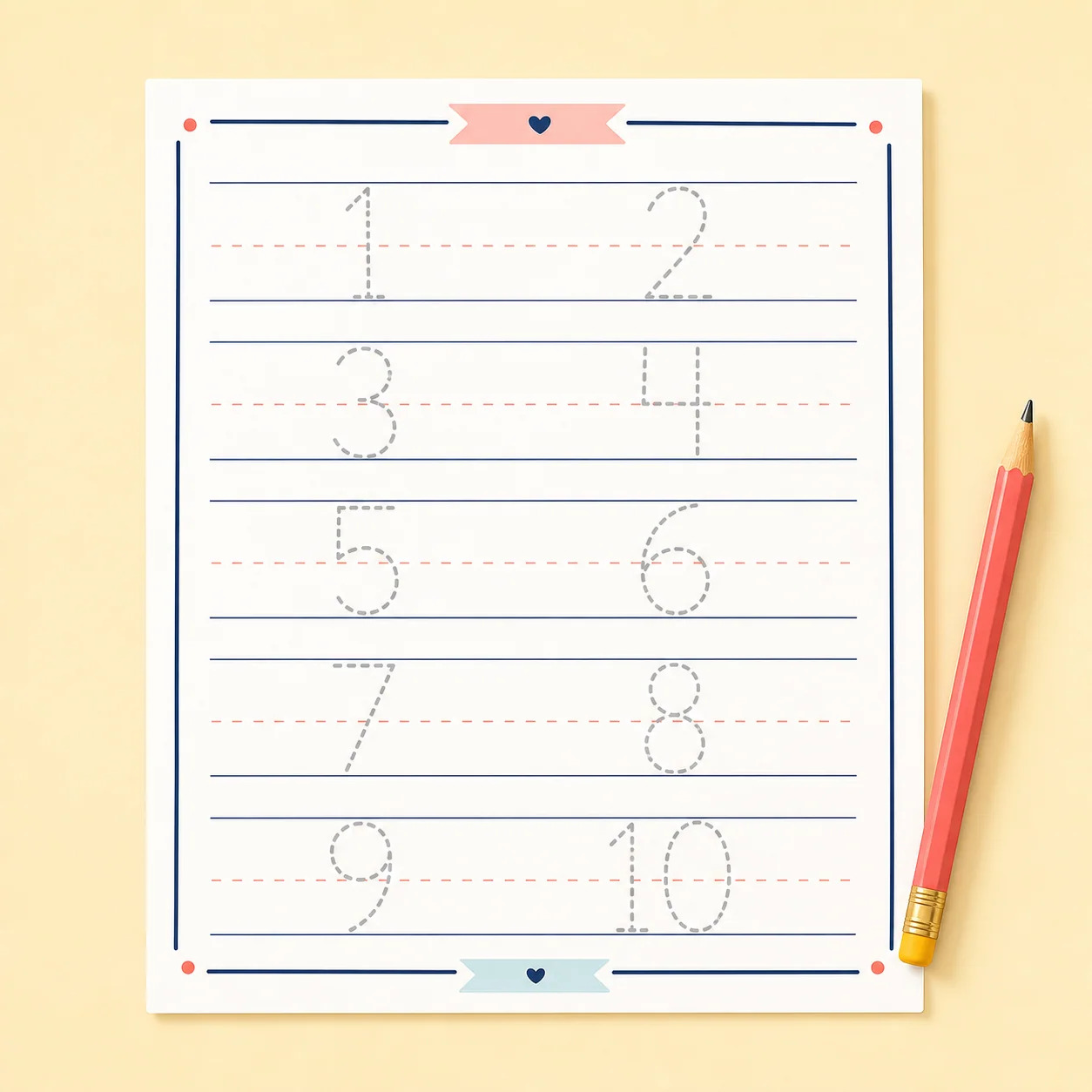
The range preset places the ten number symbols in sequence.
Choose how often each number appears on the worksheet.
The number-specific midline can remain visible while shapes are new.
Range, writing size, rows, trace style, and practice mode can be adjusted.
The configured page can be previewed and printed on either supported size.
Seeing and naming each symbol supports familiarity with the 1–10 sequence.
Tracing highlights the straight and curved parts of each written digit.
Guides help place different digit forms at a consistent height.
The selected range keeps the written symbols in numerical order.
Trace-and-write adds a supported step beyond copying every model.
It focuses on the written symbols themselves without claiming that tracing alone teaches quantity understanding.
A familiar 1–10 set gives beginners a clear boundary for the session.
Repeated tracing connects each digit’s appearance with the movement used to form it.
Range and practice-mode controls make it possible to reduce support before expanding to 1–20.
Use these settings to adjust the number range, page density, and amount of guidance.
Shorten the start and end range so the session covers only a few current targets.
Choose a larger writing size and reduce the repeats for each number.
Keep the number midline and handwriting guidelines visible while placement develops.
Use trace-and-write and lower the repetition count before expanding the range.
Advance when the child can form recognizable digits in order with less tracing support—not when quantity concepts are merely recited.
Practice 1–3 or 1–5 at a large size with visible guides.
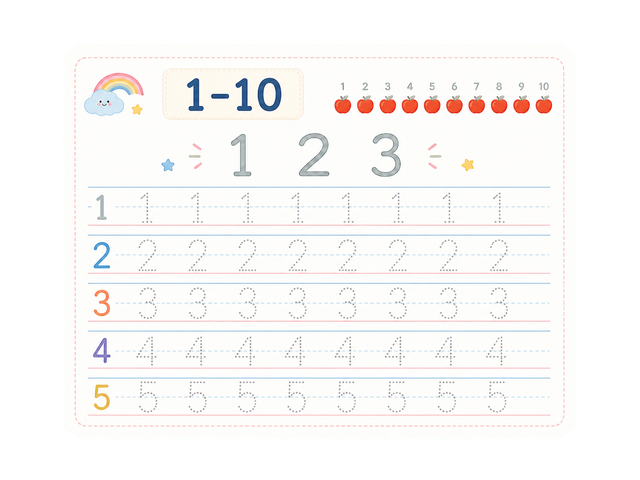
Use the complete range and add a limited number of independent attempts.
Expand the range only after the first ten digit forms remain recognizable without full tracing.
Expand the digit range, connect digits with written number words, or return to large letter-shape control.
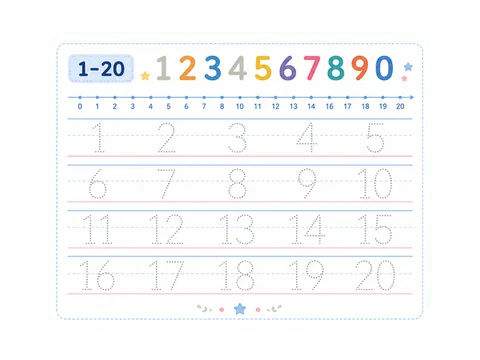
Extended number range
Trace numbers 1–20, including two-digit numbers, with adjustable page settings.
Open template arrow_forward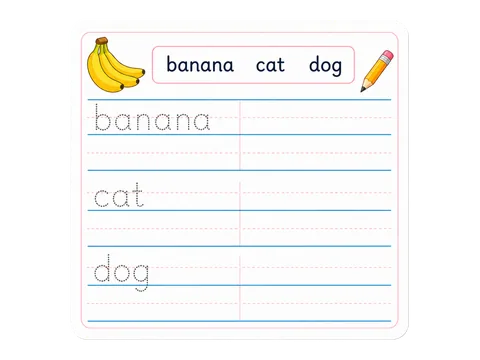
Math vocabulary
Trace English number words such as one, two, and three with an editable word list.
Open template arrow_forward
Uppercase foundation
Trace uppercase A–Z or focus on one letter or a custom letter set.
Open template arrow_forward