A good fit when
- Your child is beginning to recognize their printed name
- They pause or guess where a letter should begin
- Large, repeated name practice feels manageable
- They still benefit from visible writing guides
Enter a name using A–Z letters and start with one starting-point cue for each supported letter. Adjust the writing size, guides, and practice mode before printing.
Use it when a beginning writer recognizes their name but still needs a clear cue for where each letter starts.
Keep the first attempt slow and visible, then reduce support only after the starting points feel familiar.
Read the name together and point to the start marker on each letter before the pencil touches the page.
Follow each letter shape from its marker, keeping the pencil on the guide rather than rushing to the next letter.
When the starts are consistent, switch to trace-and-write or turn off markers for a short independent attempt.
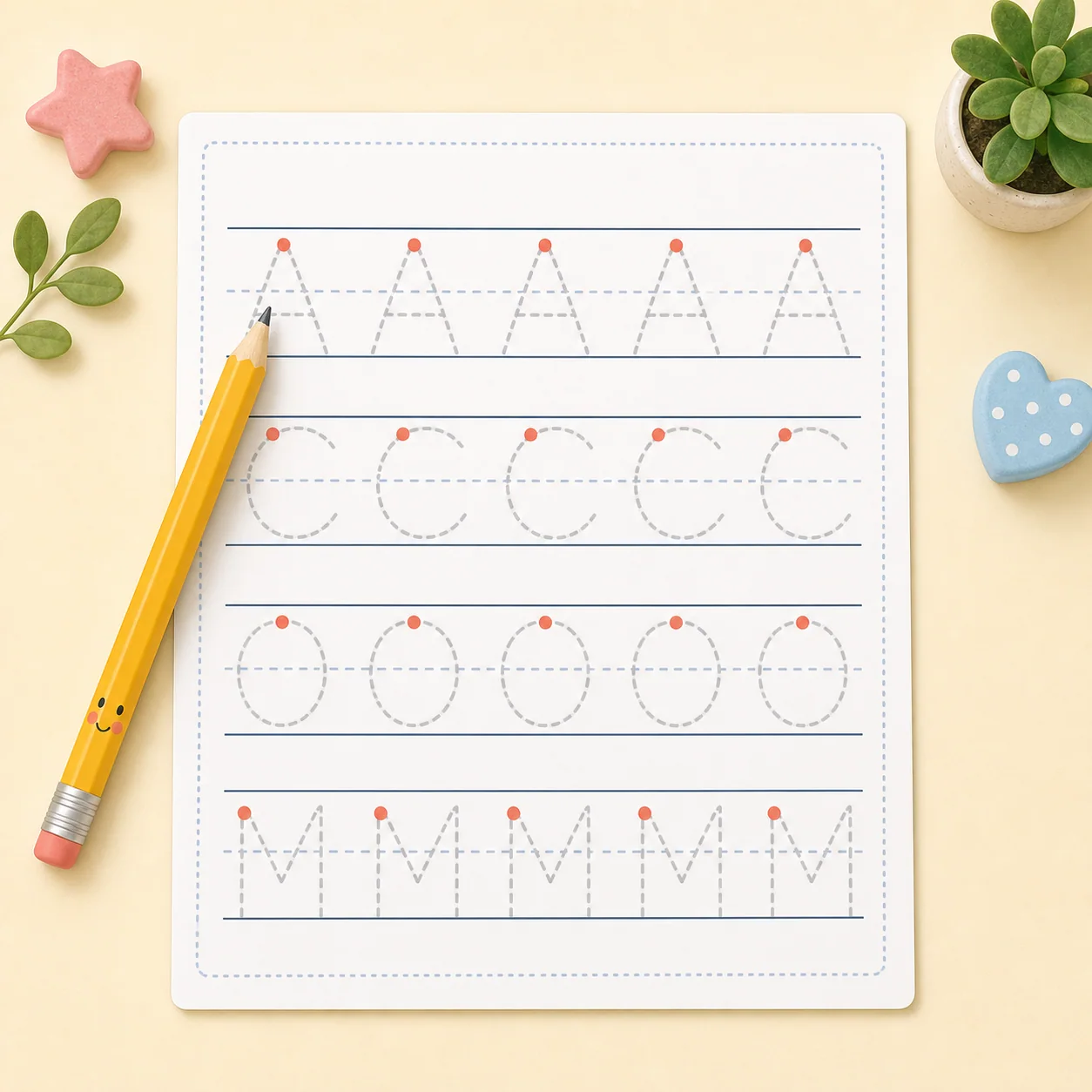
The preset keeps the page simple: one personalized name, guided tracing, and printable handwriting lines.
The name entered in the generator is repeated across the practice rows.
A dot marks the calibrated start of supported letters.
Trace styling can stay light gray or change to another available trace style.
Guides help keep letters aligned while the child traces.
The same layout can be previewed and printed on either supported paper size.
Repeatedly seeing the same name supports familiarity with its letter sequence.
The marker makes the first pencil placement easier to identify.
Slow tracing connects the start position with the rest of each letter shape.
The child watches the guide while moving the pencil along it.
Settings allow a gradual move from trace-only to trace-and-write practice.
A visible starting point gives the learner one clear place to begin each supported letter.
A visible marker gives a beginning writer one clear place to put the pencil.
Repeating the same name helps link each starting position with its letter form.
Markers and tracing can be reduced through settings as control becomes steadier.
Use these worksheet settings to adjust the page for today’s practice.
Choose a larger writing size and fewer rows so each letter has more room.
Try another trace style while keeping handwriting guidelines visible.
Keep start markers on and use the large writing size for another short session.
Reduce the number of rows and stay with trace-only practice for now.
Move forward when the child starts familiar letters consistently, not simply because one worksheet is complete.
Use large letters, visible markers, and trace-only rows while starting positions are new.
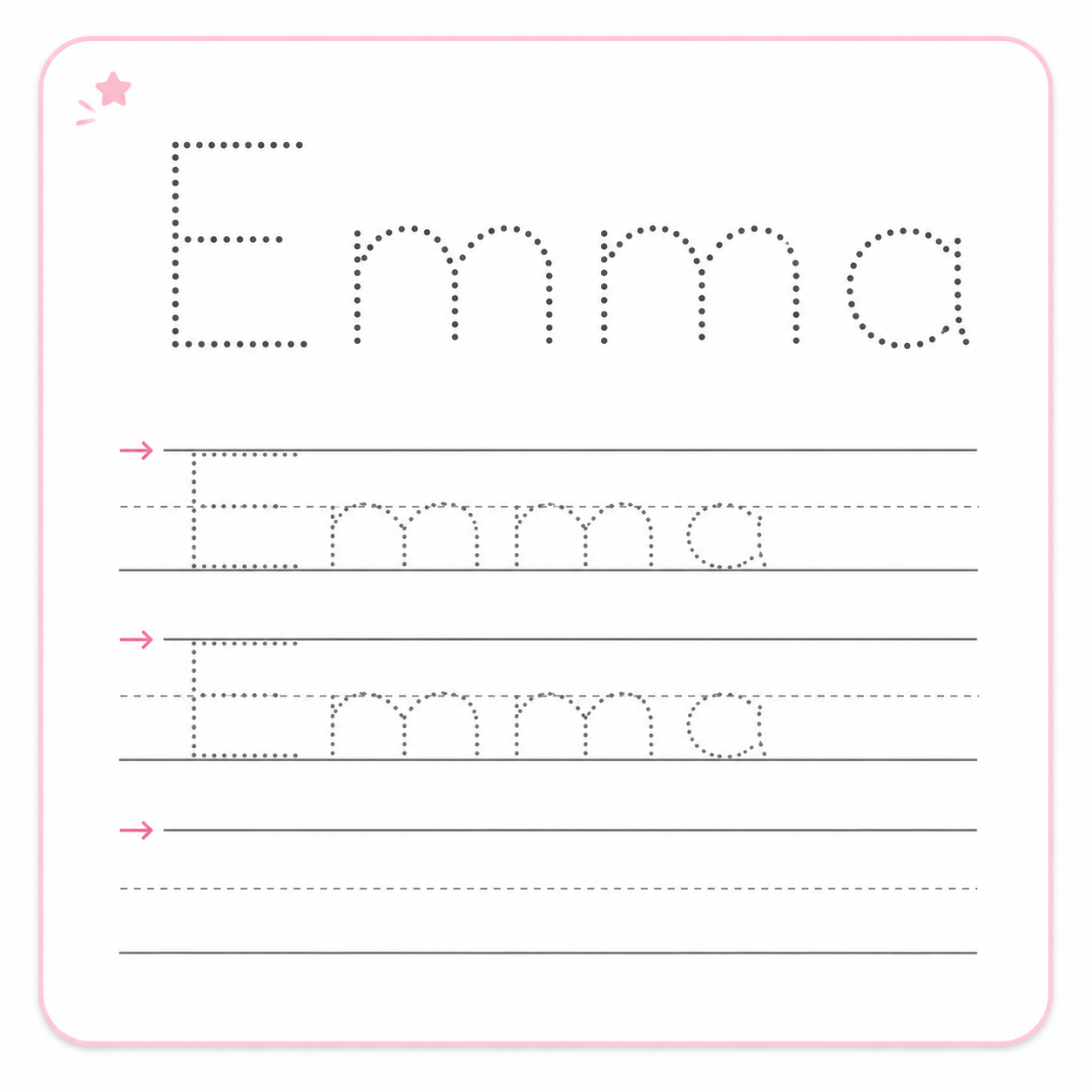
Keep the markers but add a small amount of independent writing with trace-and-write mode.
Turn off start markers when the child can place the pencil correctly without looking for them.
Choose the next page according to whether the child needs a longer name task, letter-level review, or more independent writing.
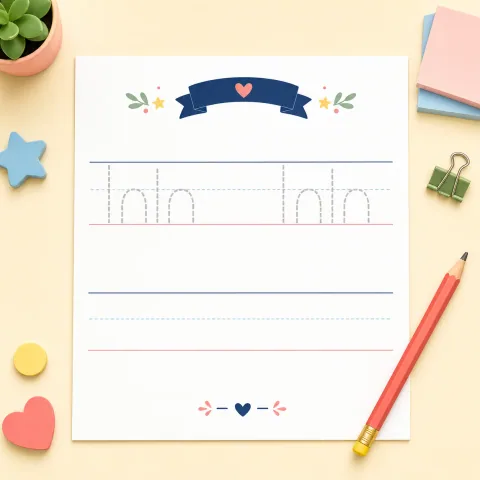
Full-name practice
Practice a first and last name together with adjustable tracing and writing support.
Open template arrow_forward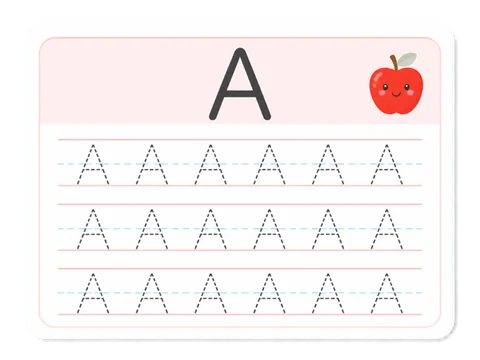
Uppercase foundation
Trace uppercase A–Z or focus on one letter or a custom letter set.
Open template arrow_forward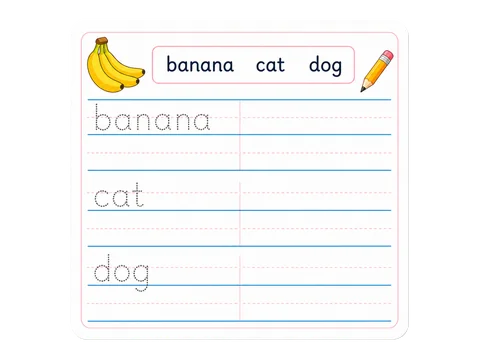
Less-guided writing
Trace each English word from a model, then copy it on a less-guided line.
Open template arrow_forward